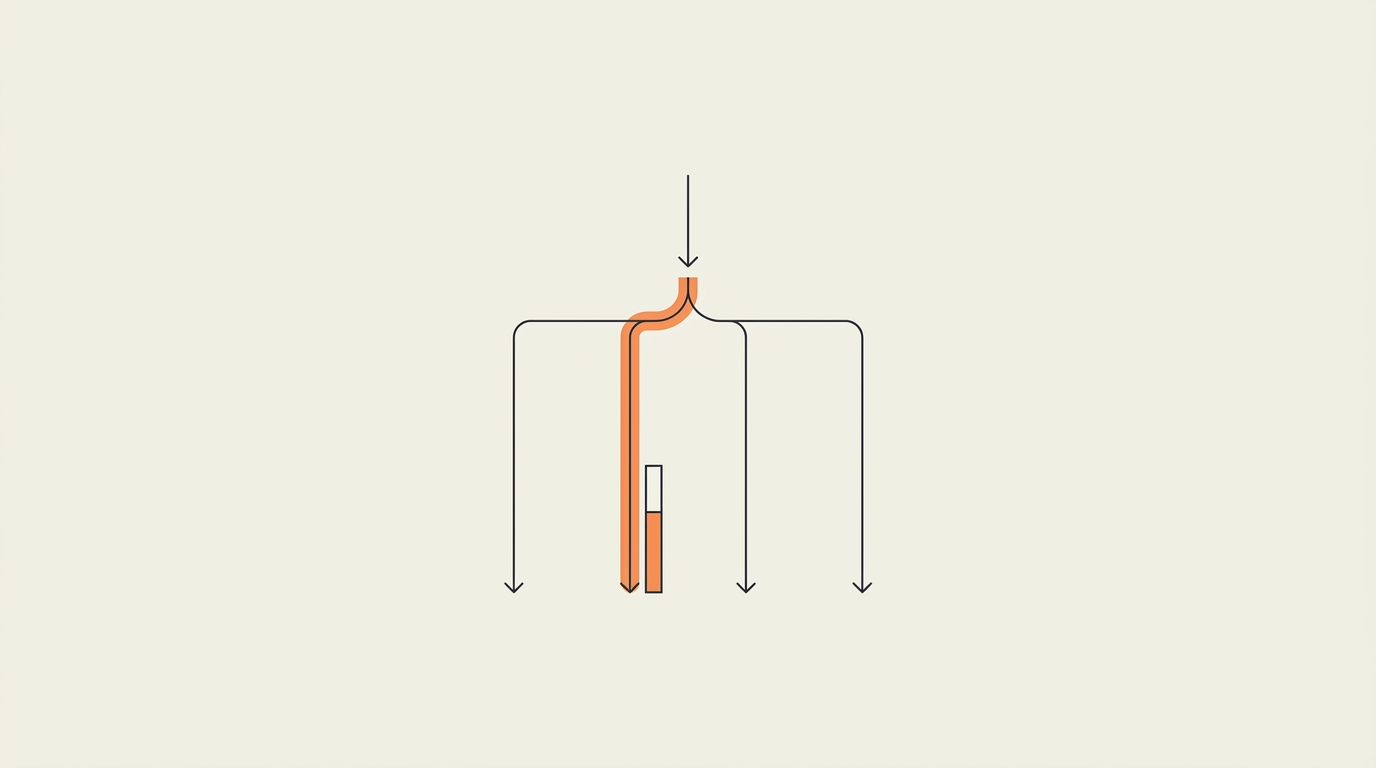
Most ticket routing today is a frontier model writing a sentence and your code parsing a queue name back out of it. The model can rename a queue, refuse with “I need more context”, or invent one you never listed, and the reply tells you nothing about how sure it was. A decision model removes that whole layer: you list the queues, it returns a probability for each, and it cannot answer outside your list. This tutorial trains one on turion — a ticket-router that answers three questions about every ticket — with the commands and the numbers from a finished run.
If the term is new, decision models: how they work and how to train one covers the idea in depth. Here we build one.
A decision model answers typed questions about a state (the ticket) and writes no text. A noul is a yes/no question, a choice picks one of your options, and a score places the state on a scale. This tutorial trains a model on all three at once:
| Type | Question | Options |
|---|---|---|
| noul | Does the customer ask for money back? | true / false |
| choice | Which team should handle it? | billing, tech, sales, other |
| score | How urgent is it? | can wait, this week, today |
1. Build the dataset
A decision dataset is JSONL: one line per question about one state. The tickets your team has already routed are usually all you need — the state is the ticket text, and the answer is what your team decided. This script shows the shape, writing one record per ticket with all three questions:
import json

QUESTIONS = {
    "refund": {"type": "noul", "instructions": "Does the customer ask for money back?"},
    "team": {
        "type": "choice",
        "instructions": "Which team should handle it?",
        "criteria": {"billing": None, "tech": None, "sales": None, "other": None},
    },
    "urgency": {
        "type": "score",
        "instructions": "How urgent is it?",
        "criteria": ["can wait", "this week", "today"],
    },
}

TICKETS = [
    ("I was charged twice for October and nobody answers my emails.", True, "billing", 2),
    ("The app crashes on login after the latest update.", False, "tech", 2),
    ("Can you send me a copy of my last invoice?", False, "billing", 0),
    ("I would like to cancel my subscription.", False, "billing", 1),
    ("The dashboard shows numbers that don't match my spreadsheet.", False, "tech", 1),
    ("I want to upgrade to the annual plan.", False, "sales", 0),
]

with open("decisions.jsonl", "w", encoding="utf-8") as fh:
    for state, refund, team, urgency in TICKETS:
        record = {
            "state": state,
            "questions": QUESTIONS,
            "answers": {"refund": refund, "team": team, "urgency": urgency},
        }
        fh.write(json.dumps(record) + "\n")
A noul’s answer is true or false, a choice’s is the option name, and a score’s is the level counting from 0 — so urgency: 2 is “today”. turion datasets upload expands each line into three examples and validates it before anything is sent, so a bad answer is reported as file:line.
This is the shape, not the size. A real router needs hundreds or thousands of tickets, and the numbers later in this post come from a dataset of about 2,400 examples. If your routing history lives in a spreadsheet or an export rather than JSONL, turion datasets convert maps the rows into a dataset for you — see the dataset guide and data ingestion. The rules for decision data, including the one-question-per-line shape, are in the decision models guide.
2. Train
turion train --base gemma-4-e4b --data decisions.jsonl --name ticket-router
validated decisions.jsonl: decision, 2,400 examples, no duplicates
decision data: training a decision model (--method decision)
eval  base 63% → tuned 90%  (420 cases)
model acme/ticket-router ready
turion train detects decision data and uses --method decision on its own; there is nothing extra to pass. A decision job is cheap because the base model stays frozen. The trainer encodes each example once — about 0.85 seconds per example on a laptop CPU for a 0.8B base — then trains only the 26 output rows that score the option letters A through Z, starting from the base’s own rows. The result is a file of about 60 KB. Self-serve training is billed at $1.80 per GPU-hour metered per GPU-second, with the first 2 GPU-hours each month free (turion’s list rate), and the training page has the details.
The job holds out part of your data, whole tickets at a time, and scores both the untouched base model and the trained model on it. That one line is the whole story in brief: the base answers 63% of held-out cases right, the trained model 90%.
3. Read the eval
turion jobs get prints the full report. Here is the one for a finished ticket-router with the same three questions, from the decision-models guide’s worked example — your rows will differ, but the columns and how to read them are the same:
tuned · 420 cases · temperature 1.15
question  n    accuracy (95% CI)  macro-F1 (95% CI)  majority  ECE    answers ≥0.9 (accuracy)
refund    140  0.91 (0.86–0.95)   0.89 (0.83–0.94)   0.74      0.047  0.81 (0.95)
team      140  0.89 (0.82–0.93)   0.85 (0.77–0.92)   0.43      0.064  0.52 (0.99)
urgency   140  0.90 (0.84–0.94)   0.90 (0.84–0.95)   0.41      0.065  0.76 (0.99)
all       420  0.90 (0.87–0.93)   0.88 (0.85–0.91)   0.52      0.038  0.70 (0.97)
Read it against the majority column first. If 74% of held-out tickets ask for no refund, a model that always says no scores 0.74 — so the refund accuracy of 0.91 is the number to weigh, not the bare pass rate. macro-F1 shows the same thing from the other side: it averages each answer’s F1 with equal weight, so a rare answer the model never gives pulls it down. ECE is the calibration error, how far the probabilities are from how often the answers turn out right; after training turion fits one temperature so an answer given at 0.8 is right about 80% of the time, and ECE measures what remains. Both 95% intervals narrow as the number of cases grows, and under 100 cases the CLI tells you to treat the numbers as rough.
4. Pick a threshold
The probabilities are the point. Your code acts on the answers the model is sure of and sends the rest to a person. The report’s last column is one point on the coverage curve: for team, the model answered 52% of cases with a probability of 0.9 or more, and 99% of those were right. The full curve for that question:
| Threshold | Answered | Accuracy |
|---|---|---|
| 0.5 | 0.93 | 0.92 |
| 0.6 | 0.87 | 0.94 |
| 0.7 | 0.81 | 0.95 |
| 0.8 | 0.67 | 0.99 |
| 0.9 | 0.52 | 0.99 |
| 0.95 | 0.39 | 1.00 |
| 0.99 | 0.14 | 1.00 |
To pick a threshold, start from the accuracy the automatic path needs. If a misrouted ticket is cheap to fix and 98% is enough, take the lowest threshold that reaches it: 0.8, where two thirds of tickets skip review. Pick a threshold per question — a wrong urgency score costs more than a wrong queue.
5. Deploy and route
turion deploy acme/ticket-router

turion decide acme/ticket-router --state @ticket.txt \
  --choice "team: Which team should handle it? [billing|tech|sales|other]"
QUESTION  ANSWER   CONFIDENCE  PROBABILITIES
team      billing  0.88        billing 0.91 · tech 0.07 · sales 0.01 · other 0.01
That answer is illustrative, not recorded. Two things matter in the call: the question wording and the option order must match what you trained on, word for word, because the model learned to answer that exact text. The question id (team) is nothing more than the key of the answer. Keep a copy of the questions in a file and pass --questions router.json so the wording can never drift:
{
  "team": {
    "type": "choice",
    "instructions": "Which team should handle it?",
    "criteria": {"billing": null, "tech": null, "sales": null, "other": null}
  }
}
The same call from Python, with the review threshold from step 4:
import turion

client = turion.Client()

questions = {
    "team": turion.choice(
        "Which team should handle it?",
        {"billing": None, "tech": None, "sales": None, "other": None},
    ),
}


def route(ticket: str) -> str:
    team = client.decide("acme/ticket-router", ticket, questions).choices["team"]
    if team.confidence >= 0.8:
        return team.choice
    return "review"


print(route("I was charged twice for October and nobody answers my emails."))
confidence is the calibrated probability of the chosen option, the number the coverage curve is measured on. A deployed model scales to zero when idle and bills $0.0005 per GPU-second while a replica is up, so the first call after a quiet spell waits a few minutes for a GPU to start. Give that call a longer client timeout, or deploy with --min-replicas 1 to keep one warm. The decision models guide has the rest of the API, the metrics and the limits.
Where this fits
If you would rather not train your own, turion hosts Turion Jev 31B, a decision model every workspace can call at $0.021 per million input tokens; it answers the same question types and is a good way to sketch the questions before you commit to a training set. Train your own when you have a pile of already-decided tickets and want a model that learns your wording and your queues for the cost of a CNN-sized file and a few hundred GPU-seconds.
This tutorial trains a model that picks an answer. When the task needs a written reply instead — a summary, a drafted response — train a chat fine-tune rather than a decision model; small language models covers when that beats a frontier model and where to start.